Intelligence that drivesyour business growth
AI agents that generates outcomes you want across marketing, sales, service on WhatsApp.
Priya Sharma
Lead from Instagram ad · 9:04 PM
Replied in 3 seconds

- 6,000+ businesses
- 100 Million+ messages
- 6+ years











Your growth starts here
AI Agents
Tell it the job. It does the work.
Sales, support or marketing. Set up in plain words.

“Answer course enquiries. Book a free call.”
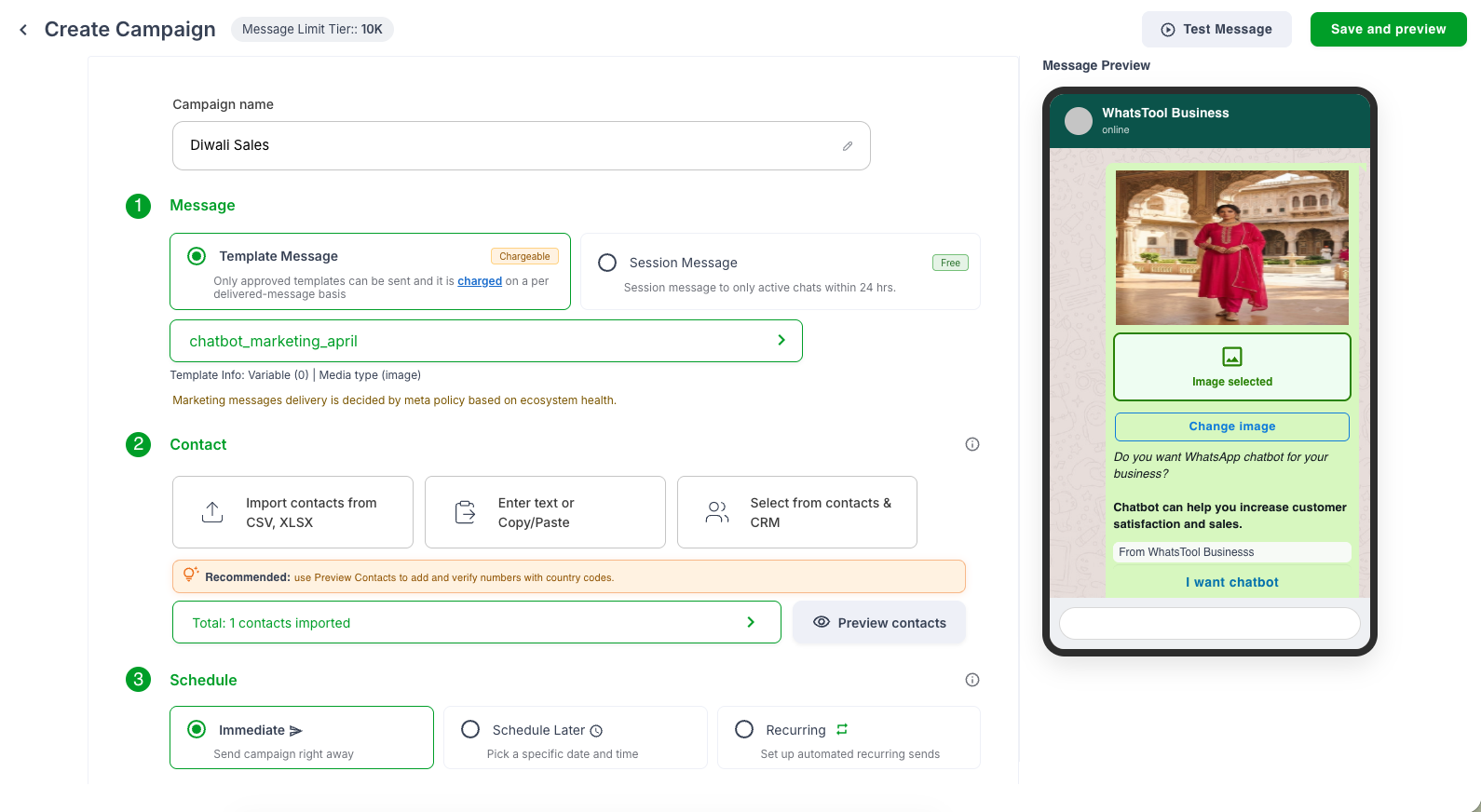
Campaigns & Sequences
Send once. Follow up forever.
Bulk, drip and retargeting. Only chase interested buyers.

Day 1
Festive offer
Sent 4,210
Day 3
Reminder to readers
Retargeting
Day 7
Last call
Scheduled
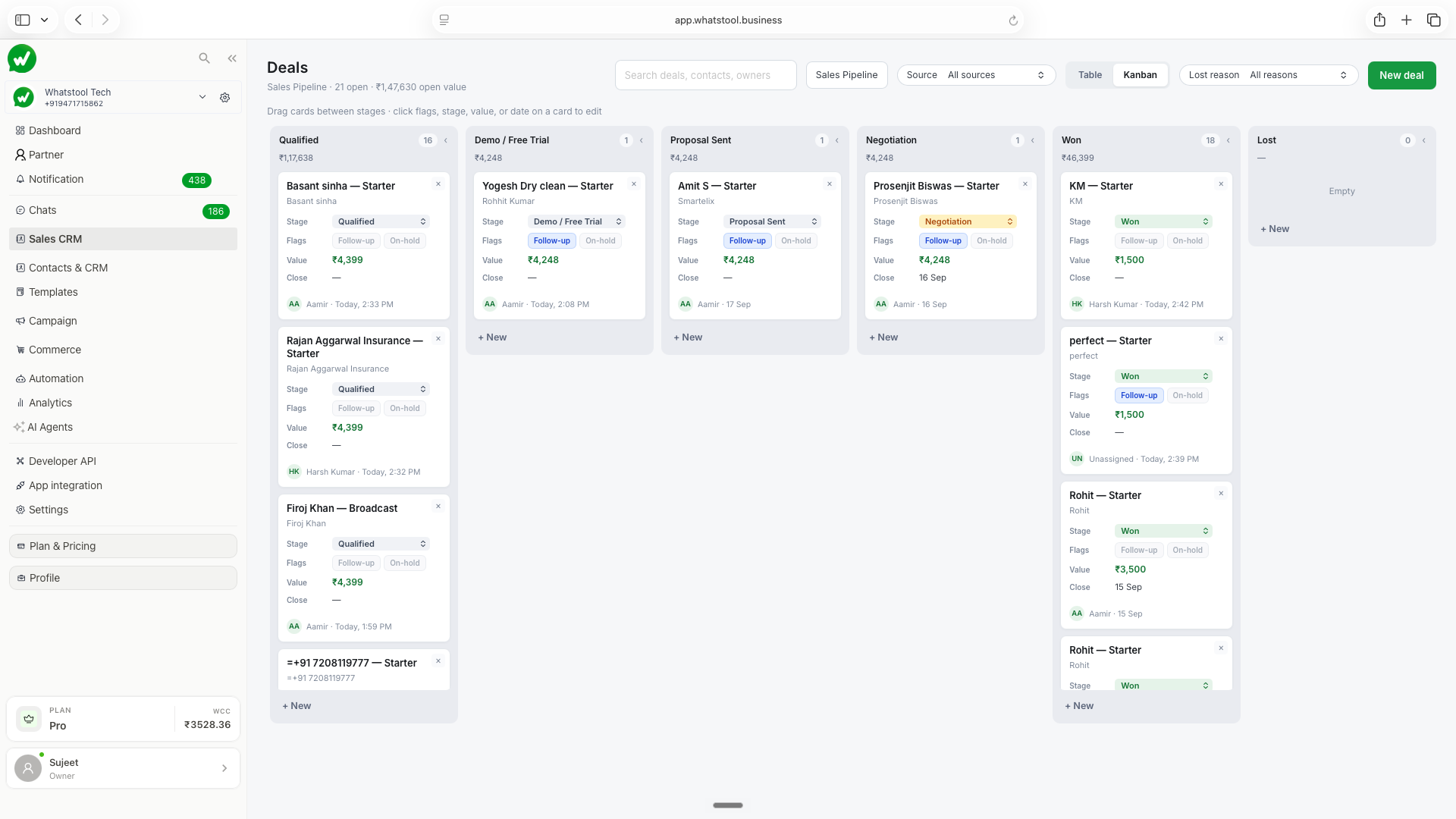
Sales CRM
Every lead. Every rep. Every day.
Pipeline, tasks, follow-ups, calls and targets in one place.

Team performance
Follow-up due · 4 PM
One platform. First message to closed deal.
01
Market
Find interested buyers
02
Sell
AI qualifies & follows up
03
Support
Resolve in seconds
04
Won
Track every deal
Amit Patel
Replied to campaign · 8:12 PM
Broadcast → booked in 2 min
Sales + Support
Replied
3 sec
Resolved
18 today
Handover
2 to team
Payment received
₹18,000
UPI · Just now
Deal moved to Won
A complete WhatsApp solution for your business
MARKETING
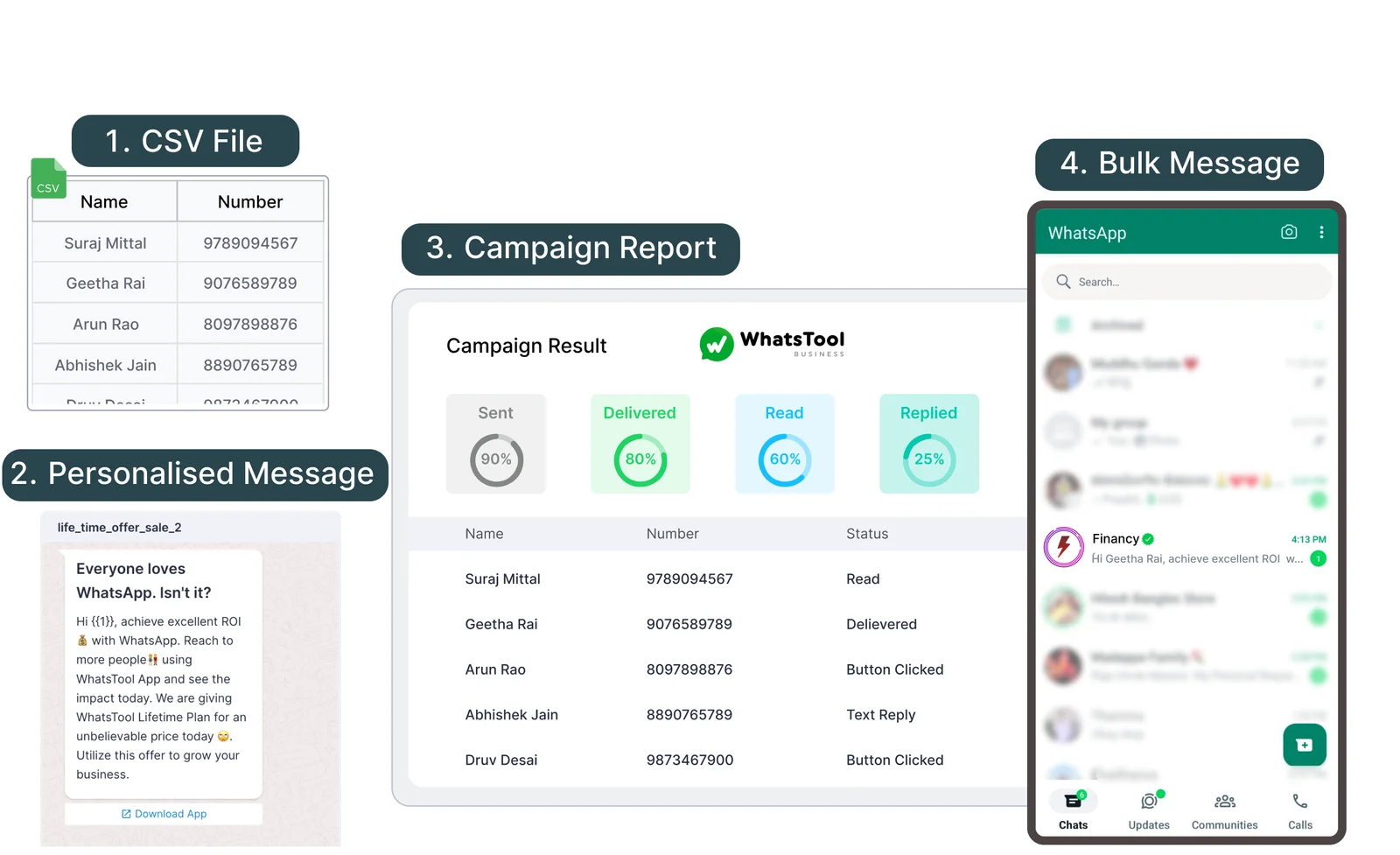
Personalise bulk messaging at scale for better results with insightful data
 Send 1,00,000+ messages without getting blocked.
- Brand name visible in customer WhatsApp chat
- Run your campaigns and sell to best responses.
SUPPORT
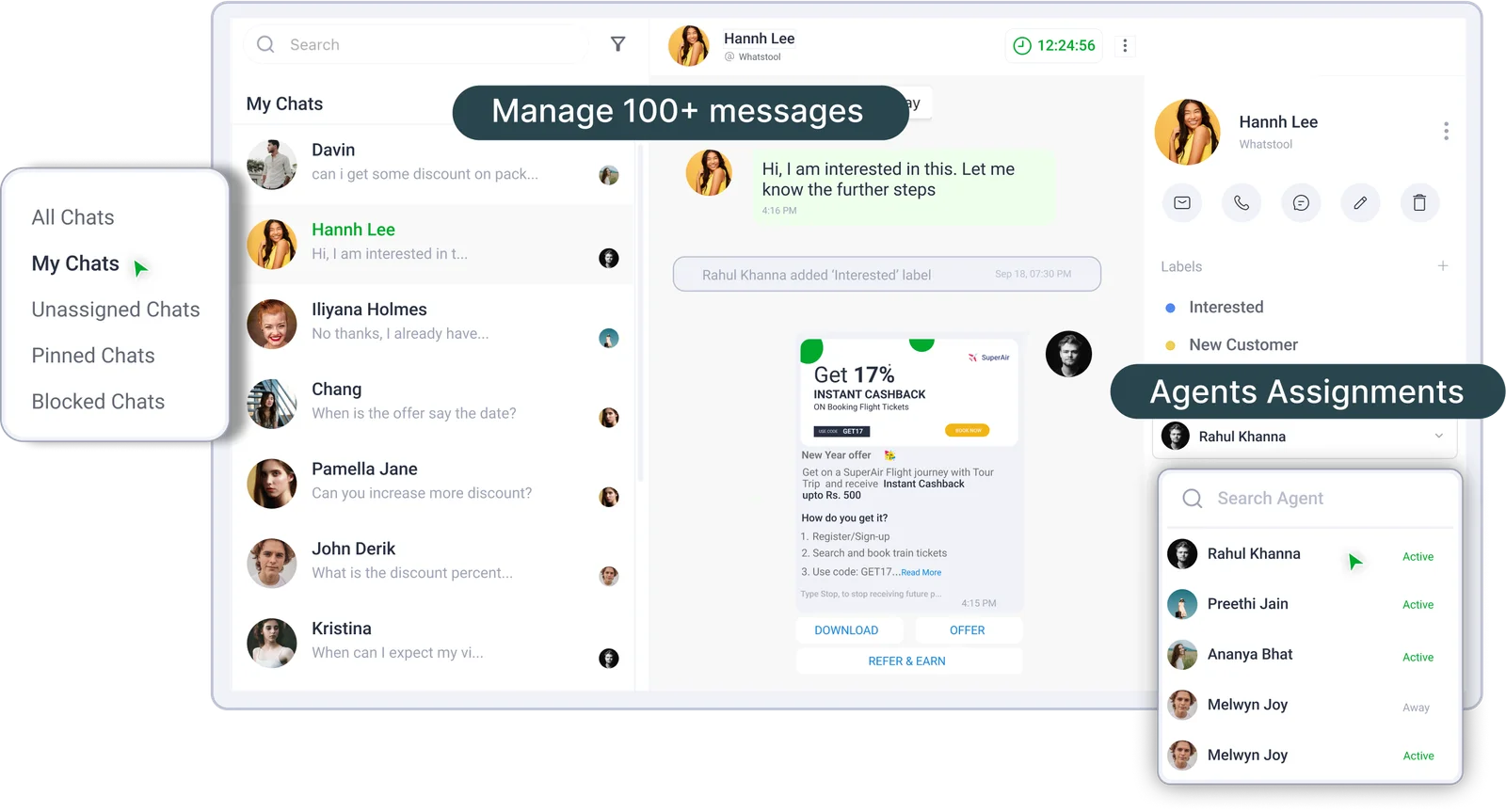
Shared Team Inbox for centralised chats and team collaboration
- Manage 1000+ new support request easily with auto assign to right agents
- Track each support request with right tagging, data and filters with analytics
- Increase team productivity with no code automation and integration.
AUTOMATION & INTEGRATION
Automate your messages on WhatsApp with no code chatbot builder and Integrate with your CRM, Payments, Google Sheet or any tech stack that you use.
- No-code chatbot builder
- CRM and Payment integrations
- Google Sheets and custom integrations
← Swipe to see the flow →
Hi! Thanks for reaching out 👋
Are you looking to buy soon?
Enter your WhatsApp number
You're verified! Our team will call you.
No worries — we'll follow up later.
API Automation
Send message, Add contacts, run campaign and do automation using our vast api integration
Apps Integration
With 100+ native integration, we got your business use case covered for any kind of automation requirement

Explore our features
Everything you need to grow your business using WhatsApp API













“Yesterday, I switched from Wati to WhatsTool Business for Marketing and payment automation for my riders, Night, And, Day. Every startup/SaaS should switch to WhatsTool, as there team and product works for you.”
Customer loves us
← Swipe to see reviews →

Elluminati
@Elluminati321
Best support team awesome service, we tried multiple API option before WhatsTool. Great product with great customer support.
Kapila
@kapilagoshala
At Kapila we cater to around 2 Million farmers, We have been using WhatsTool Business' WhatsApp marketing solution and we have seen great improvement in Customer engagement.
CleanFanatic
@cleanfanatic
WhatsTool helped us automate our booking and customer support process, we have seen increased bookings and decrease in time taken for customer support.

Equitywise
@equitywise332
As a financial services provider, we needed to have higher level of engagement and communication with our customers, WhatsApp turned out to be great channel and WhatsTool Business allowed us to do it on scale. Great product.

Kico
@kicollearning
We wanted chatbot to handle our learning segment and the flexibility in their chatbot functionality helped deliver what we needed, highly recommend.
Konfhub
@konfhub12
At Konfhub we were facing challenge in increasing the attendees for our events, after integration with WhatsTool Business we saw a significant growth in the numbers.
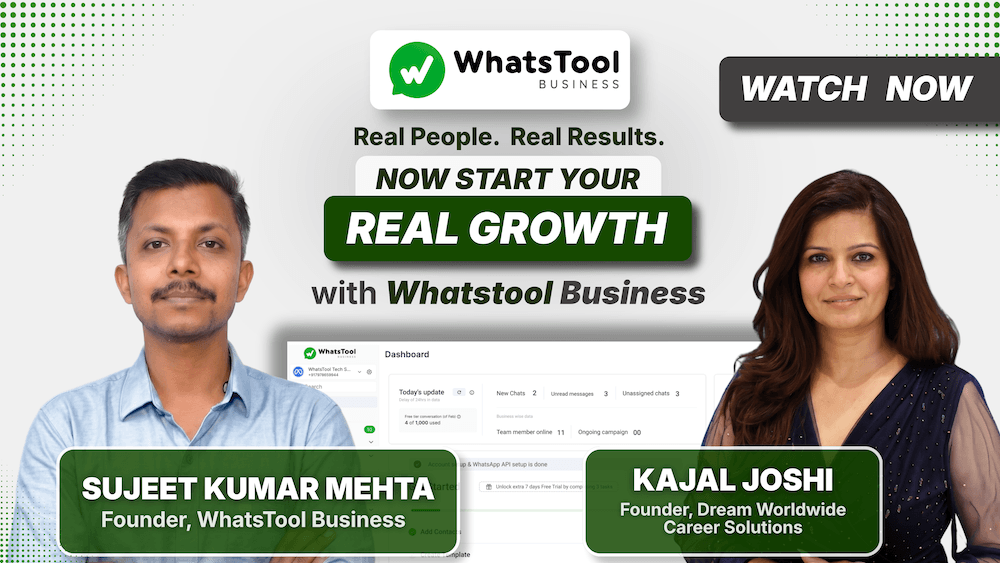
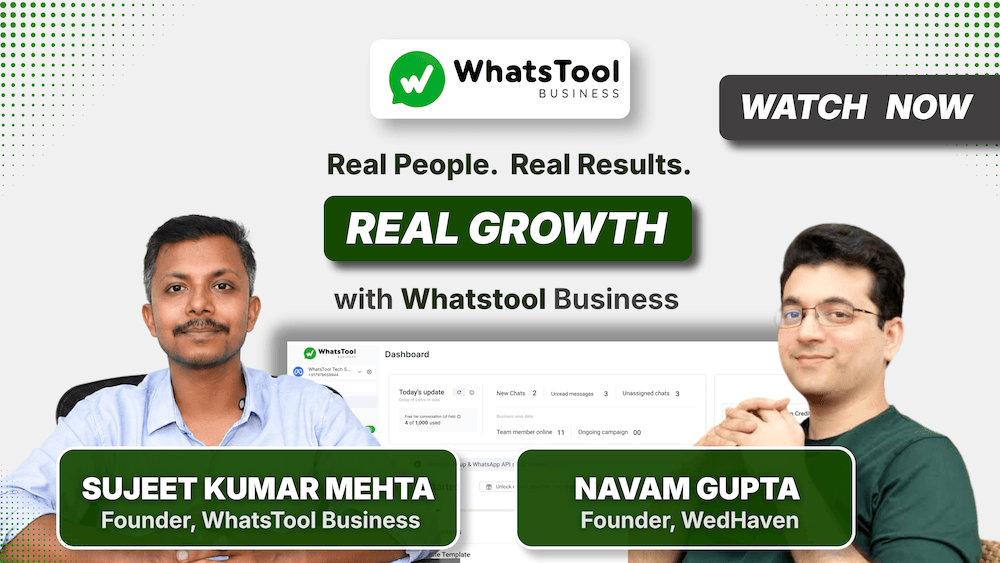
Trusted by 6,000+ businesses worldwide
to power their whatsapp communication
Built over 5+ years with 3.2M+ installs, WhatsTool helps businesses market, sell, and engage customers reliably.
We focus on stable performance, continuous improvements, and customer-first support.
We have survived, evolved, and served businesses consistently for 5+ years in a difficult WhatsApp ecosystem with real-world experience helping businesses grow on WhatsApp.

Frequently Asked Questions
Campaign Result